Agar tum Urdu me likhna pasand karte ho to Jameel Noori Nastaleeq Font in Windows 10 tumhare PC ke liye zaroori font hai. Ye khubsurat Urdu typeface tumhare documents ko professional aur traditional look deta hai. Is guide me hum seekhenge ke Jameel Noori Nastaleeq Font ko Windows 10 aur MS Word me kaise download, install aur use karte hain.
Table of Content
Table of Contents
🔽 Step 1: Jameel Noori Nastaleeq Font Download Karna
Tum asani se Jameel Noori Nastaleeq Font ko kisi trusted Urdu font website se ya seedha Jameel Noori site se download kar sakte ho. Uper Download Button dia gya hay .
Yaqeen karo ke tum latest version download karo taake performance smooth rahe aur Windows 10 ke sath fully compatible ho.
💾 Step 2: Windows 10 me Font Install Karna
Download hone ke baad ZIP file ko extract karo aur desktop par save karo.
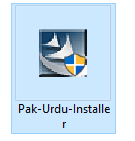
- Sb se Pehly Pak Urdu installer install karna hoga Download Button Nechy dia gaya hay.
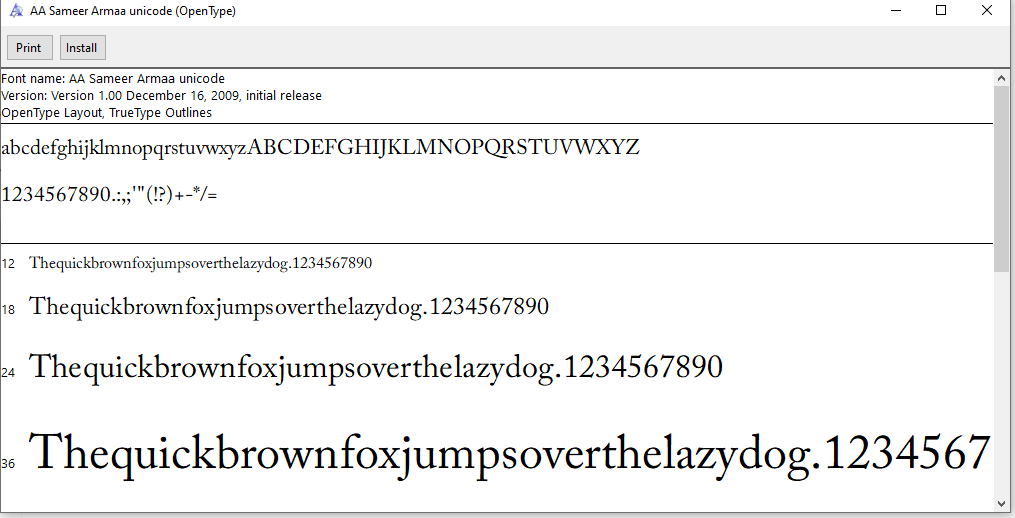
- 2nd Jameel Noori Nastaleeq Font file par right-click karo.
- Install ya Install for all users par click karo.
- Font automatically Windows Font Library me add ho jayega.
Jab installation complete ho jaye to tum MS Word, Photoshop, InPage, ya kisi bhi Urdu support software me Jameel Noori Nastaleeq Font use kar sakte ho.
🧠 Step 3: MS Word me Jameel Noori Font Use Karna
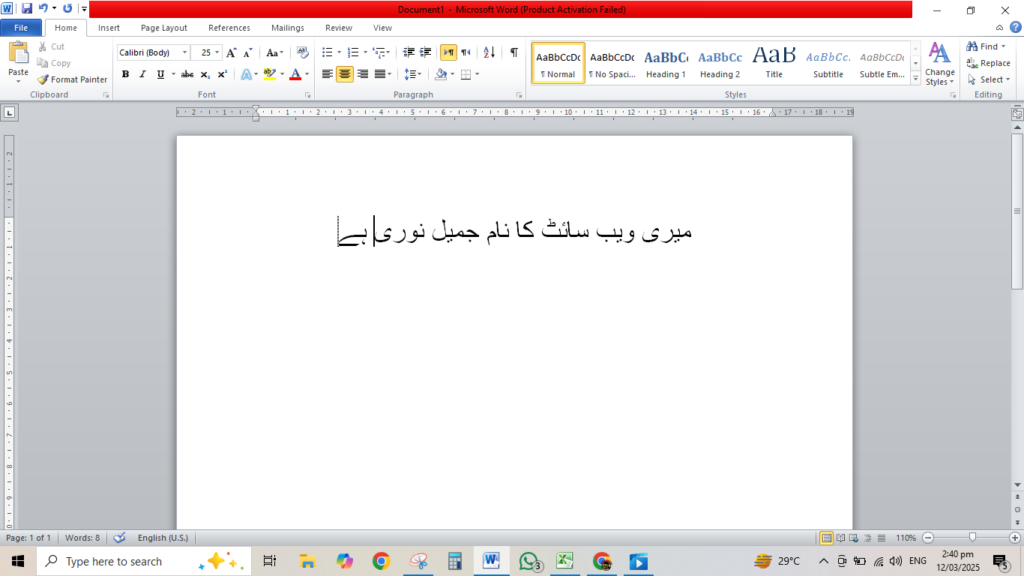
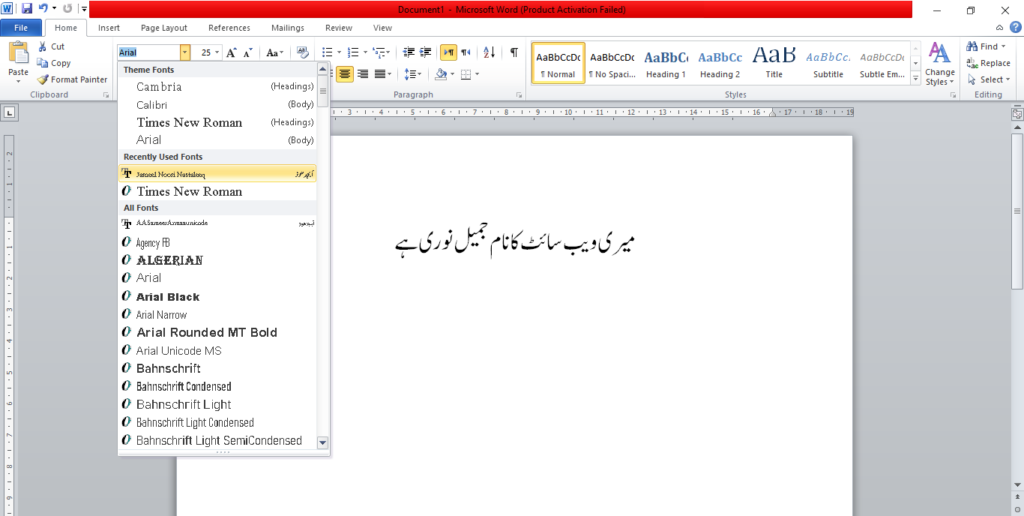
MS Word open karo aur Home tab me jao. Font list me “Jameel Noori Nastaleeq” likh kar search karo.
Us font ko select karo aur Urdu me likhna shuru karo.
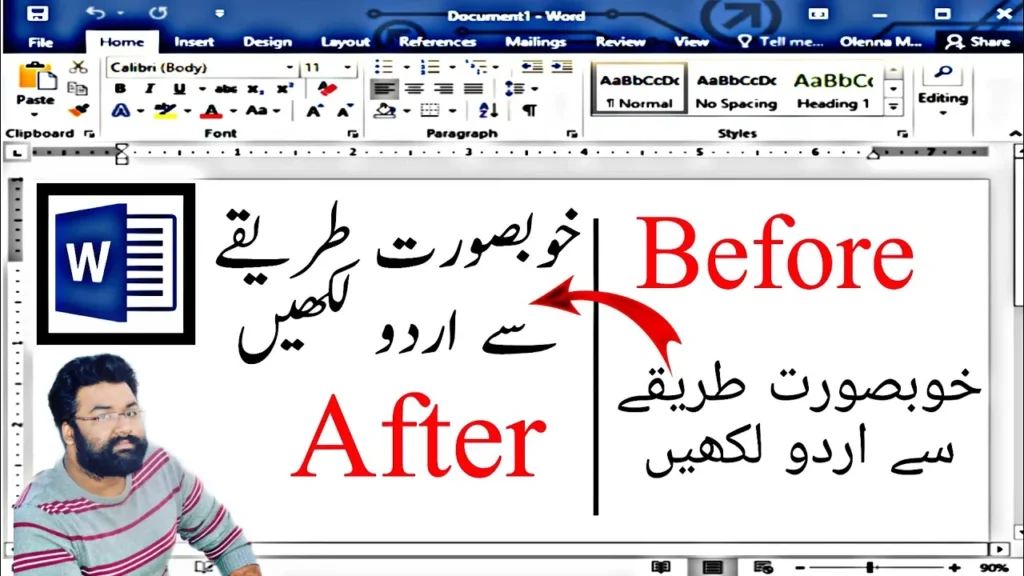
Jameel Noori Nastaleeq Font tumhare text ko ek graceful aur khubsurat Nastaleeq style me badal dega — bilkul Urdu likhai jaisa.
🛠 Behtareen Urdu Typing ke Tips
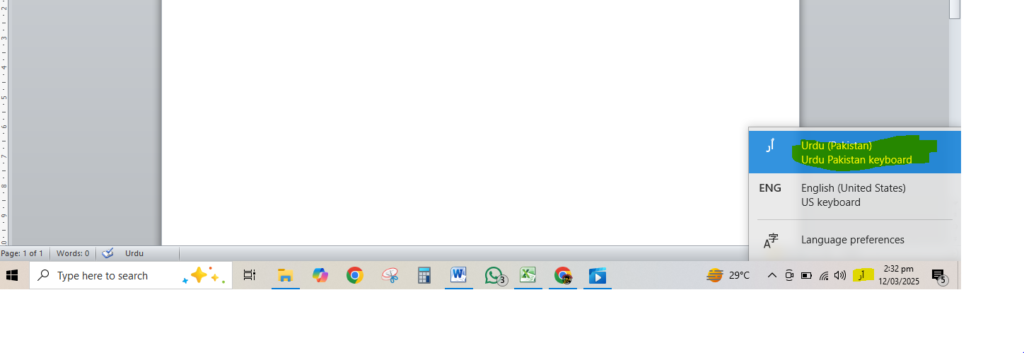
- Pak Urdu Installer use karo taake Urdu typing smooth ho.
- Jameel Noori Nastaleeq Font ko Unicode Urdu keyboards ke sath pair karo.
- Hamesha font ka latest version use karo taake best results milen.
✅ Conclusion
Jameel Noori Nastaleeq Font Windows 10 aur MS Word ke liye sabse zyada popular Urdu font hai. Ye elegant, readable aur easy to use hai. Chahe tum Urdu articles likh rahe ho, posters design kar rahe ho ya books likh rahe ho — Jameel Noori Nastaleeq Font tumhare content ko ek classic aur professional look deta hai.