
جمیل نوری نستعلیق
اردو، عربی اور قرآنی فونٹس کا سب سے بڑا مجموعہ
مفت ڈاؤن لوڈ کریں — ونڈوز، فوٹوشاپ، کینوا اور ہر جگہ استعمال کریں
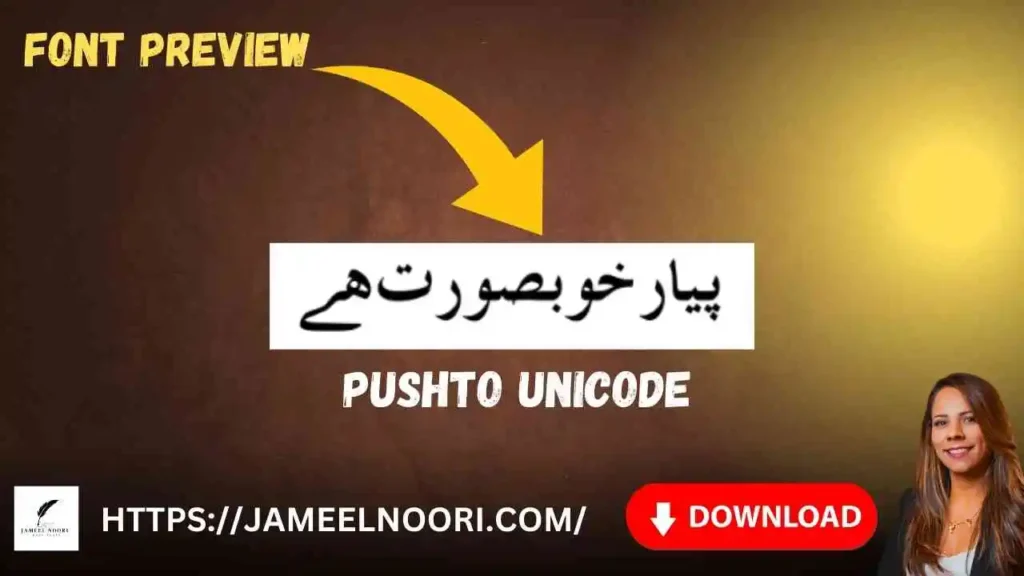
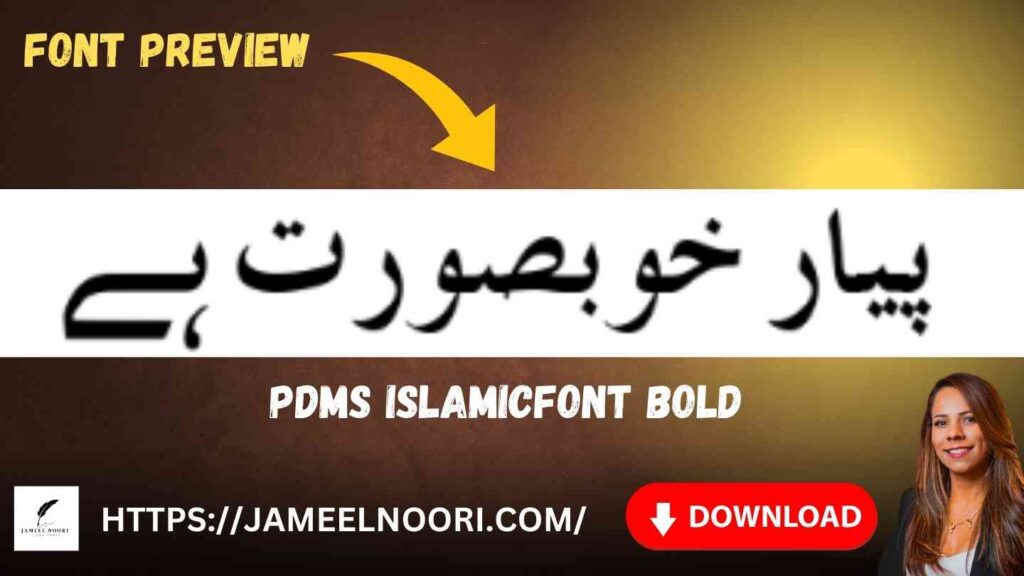
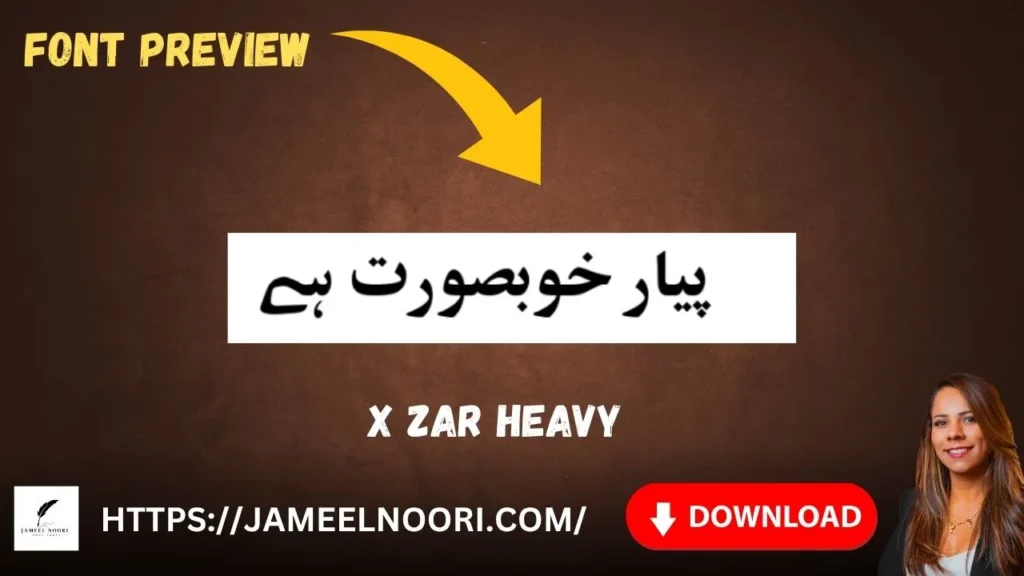
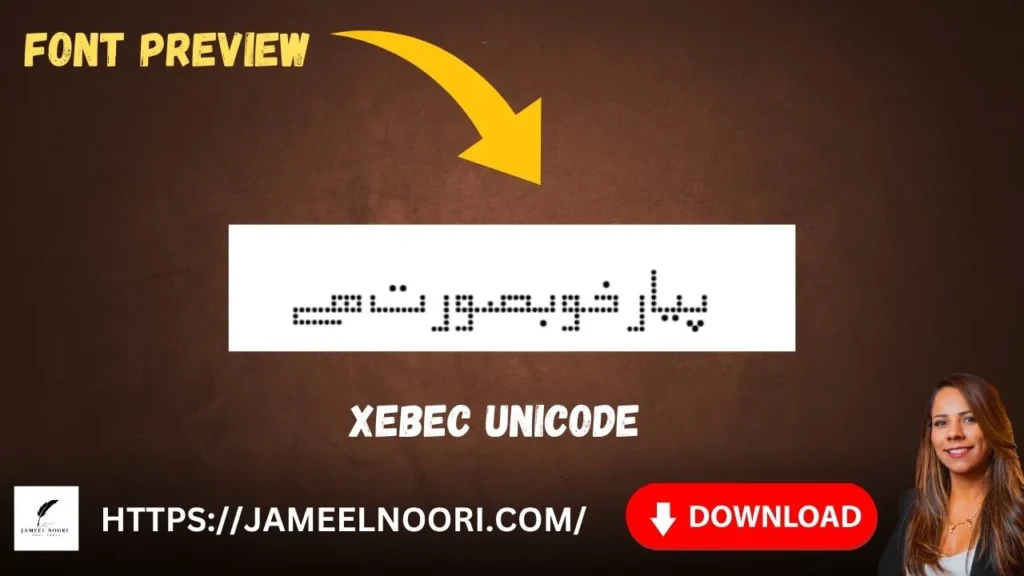

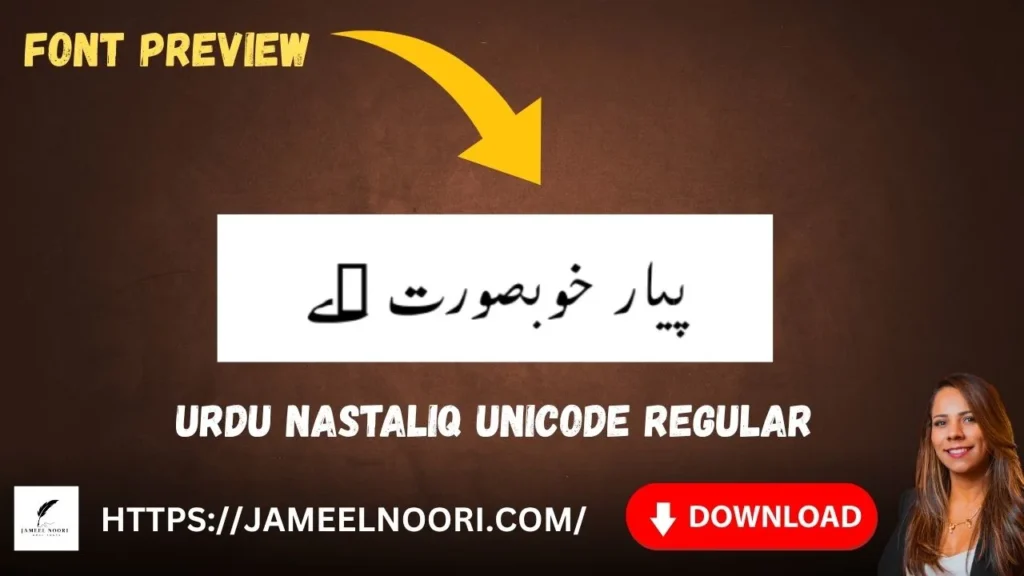
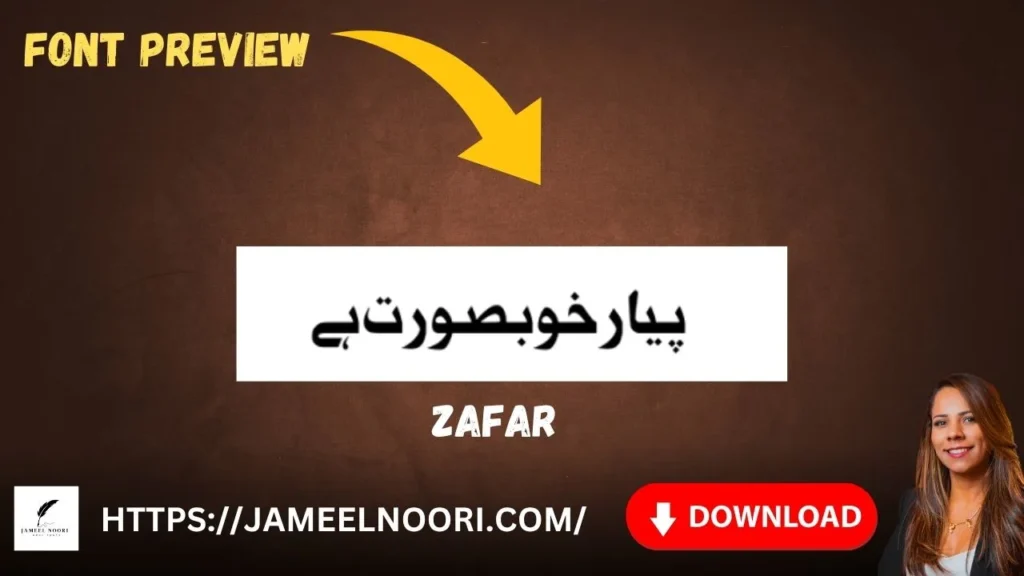
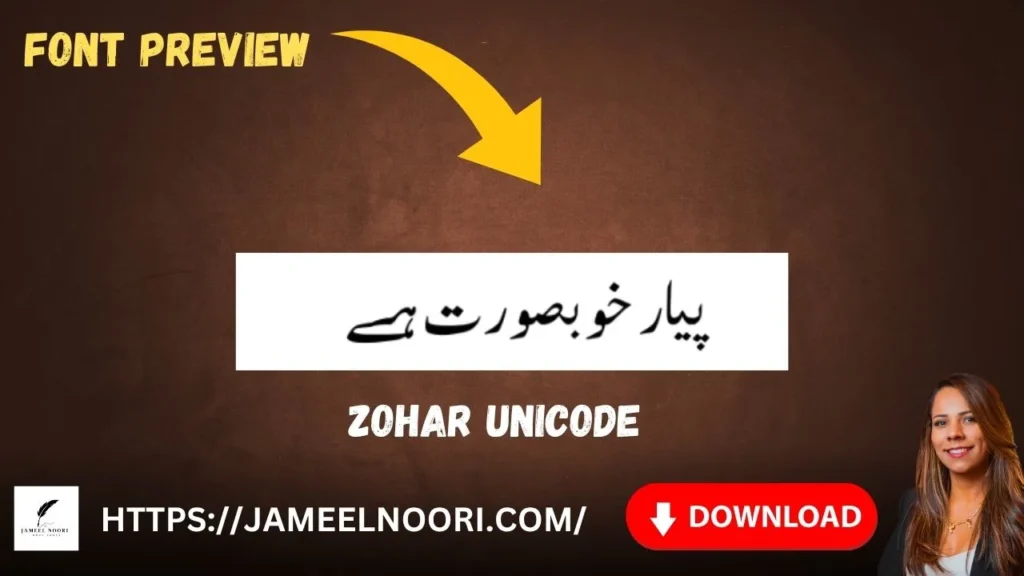
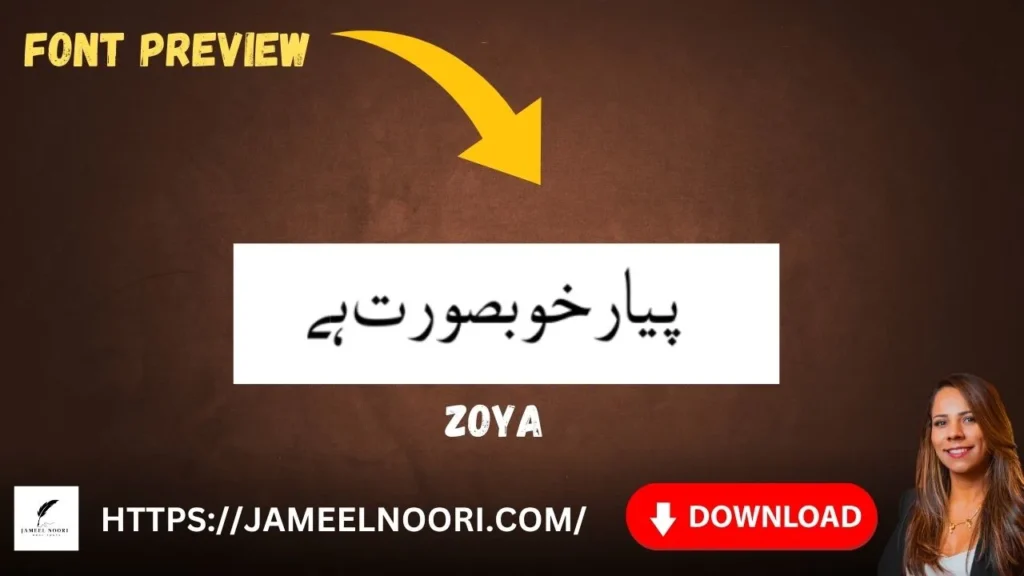
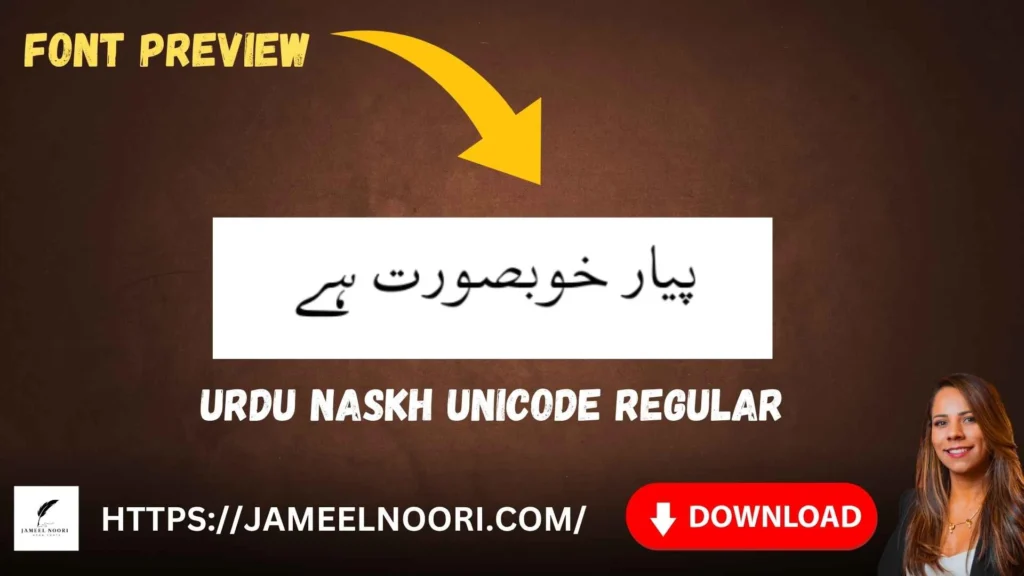
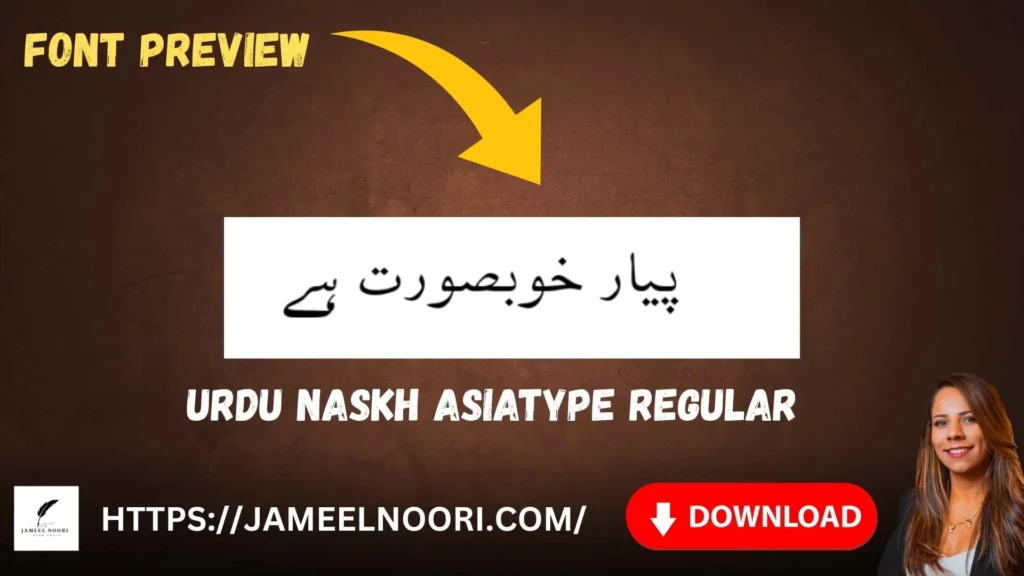
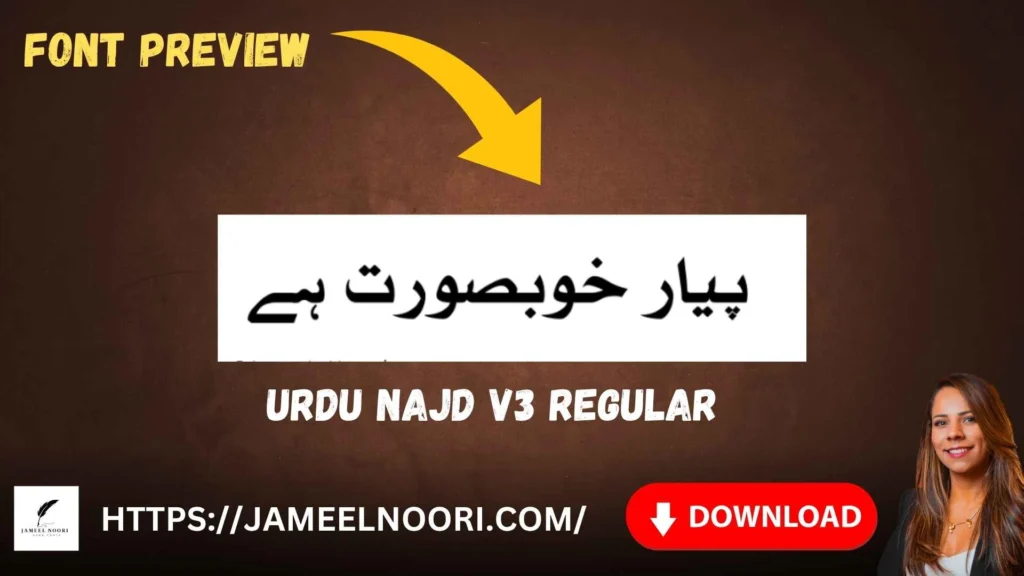
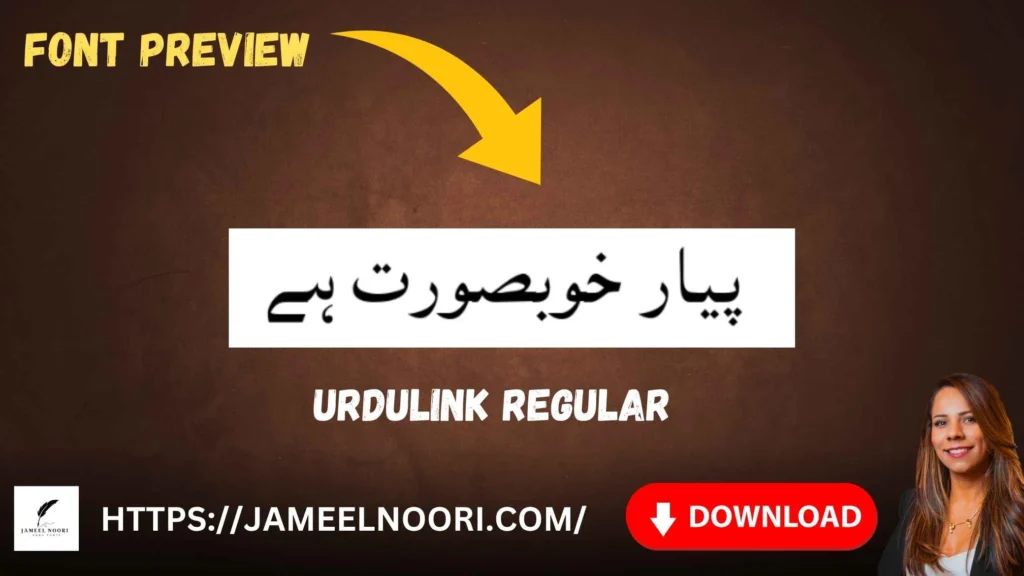
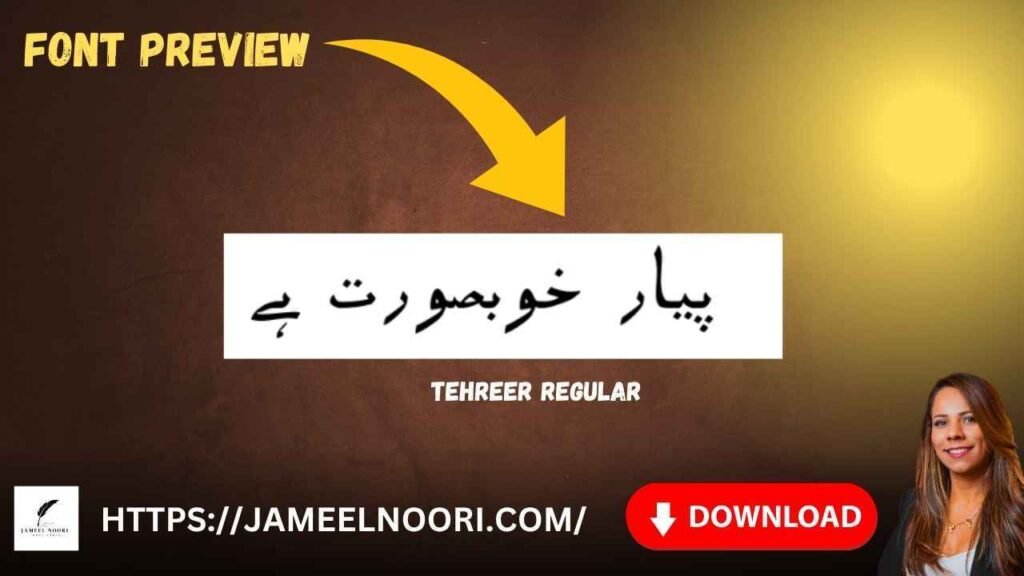
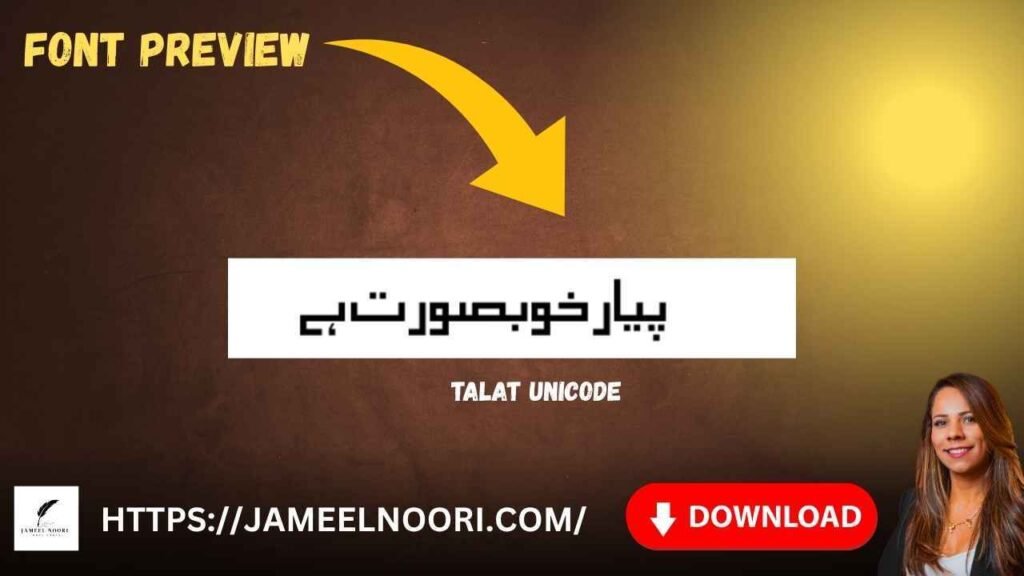
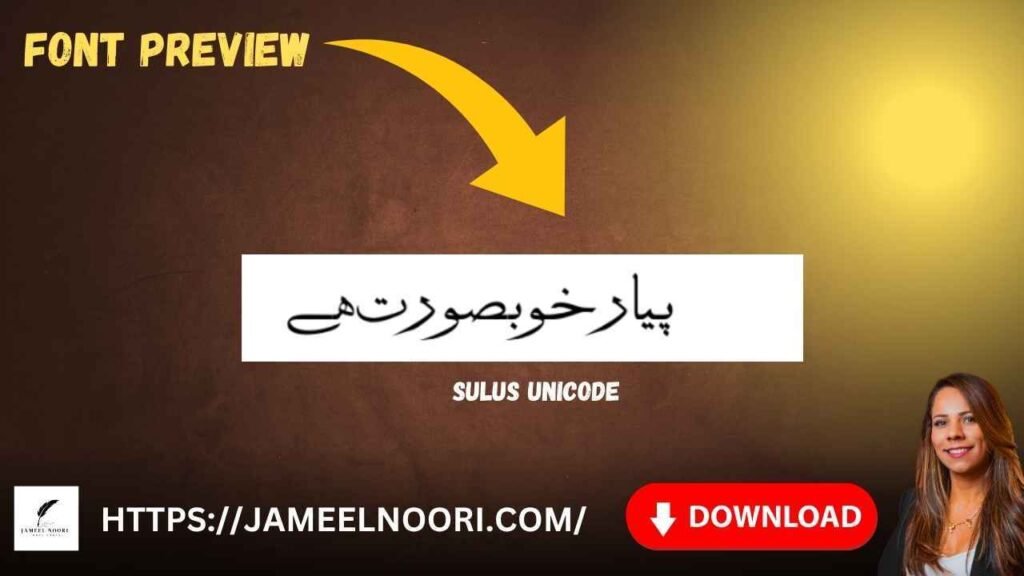
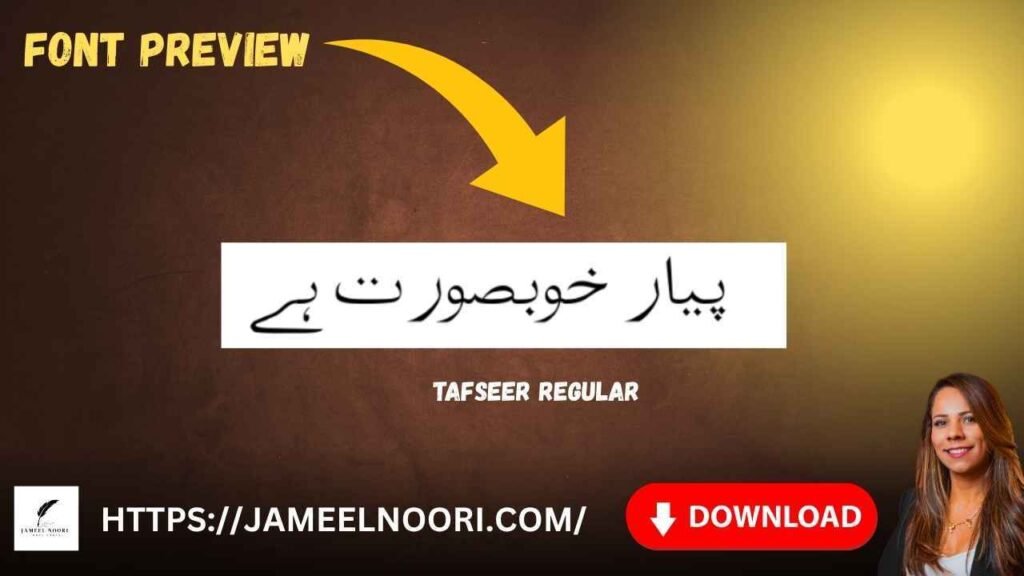
Guides
Table of Content
Table of Contents

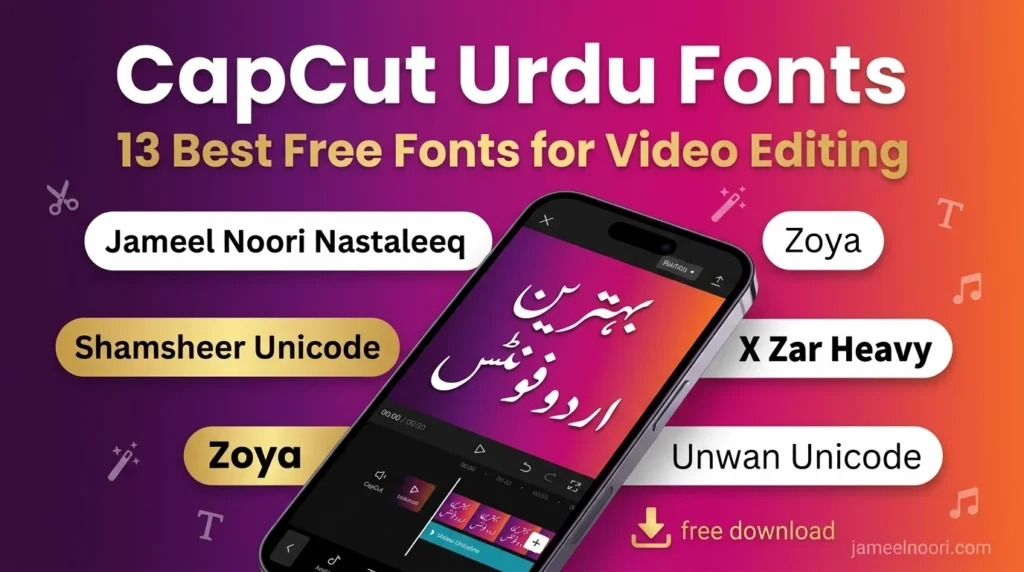



Jameel Noori Nastaleeq Font — Free Download & Complete Guide (2026)
Jameel Noori Nastaleeq is Pakistan’s most Famous used Urdu font — trusted by designers, students, journalists, publishers, and Quran printers across all over the world specially in Pakistan. Whether you want to write beautiful Urdu in MS Word, or Power point presentation create stunning social media posts in Canva, or design professional banners in Photoshop, Jameel Noori Nastaleeq is the gold standard for authentic Nastaleeq calligraphy in digital form.
In this article, you will learn what is Jameel Noori Nastaleeq , how to download it free, how to install it on Windows 10 and Windows 11, and how to use it across every major platform.
What Is Jameel Noori Nastaleeq Regular?
Jameel Noori Nastaleeq Regular is a Unicode-compliant Urdu font based on the classical Nastaleeq calligraphic style — the most natural and visually authentic script for the Urdu language. Developed by the Jameel Noori team, it replicates the hand-written style of traditional Urdu calligraphers with precise digital accuracy.
Unlike basic Naskh fonts that display Urdu in an Arabic-style upright form, Nastaleeq fonts flow diagonally from right to left, giving each word a fluid, layered appearance. This makes Jameel Noori Nastaleeq the preferred choice for anyone who wants their Urdu text to look natural, elegant, and culturally authentic.
Key technical details:
- Font Type: OpenType (OTF) / TrueType (TTF)
- Script: Nastaleeq (Perso-Arabic)
- Unicode Support: Yes — fully Unicode compliant
- Language Support: Urdu, Persian, Sindhi, Pashto
- Ligatures: 20,000+ built-in ligatures for natural text flow
- Platform Support: Windows, Mac, Linux, Android
Why Jameel Noori Nastaleeq Is the Best Urdu Font
There are hundreds of Urdu fonts available online, but Jameel Noori Nastaleeq Regular stands apart for several important reasons:
1. Most Natural Urdu Appearance The font accurately replicates the diagonal flow of handwritten Urdu, making it the closest digital equivalent to traditional Urdu calligraphy.
2. 20,000+ Ligatures Urdu words are formed by connecting letters in specific combinations called ligatures. Jameel Noori Nastaleeq includes over 20,000 pre-built ligatures, ensuring every word looks exactly the way it would in a handwritten form.
3. Full Unicode Support Because it is Unicode-based, the font works seamlessly across all modern operating systems, browsers, and applications — without needing special Urdu software like InPage.
4. Free to Download Jameel Noori Nastaleeq is available completely free for personal and educational use — no subscription, no payment required.
5. Trusted by Millions From Urdu newspapers and government documents to Instagram posts and YouTube thumbnails, this font is used by millions of Urdu speakers worldwide.
Jameel Noori Nastaleeq Font Free Download
You can download Jameel Noori Nastaleeq directly from our website — no sign-up required.
VIdeo Guid HOw to Download and Install Urdu FOnts
👉 Download Jameel Noori Nastaleeq Regular
We also offer related variants:
- Jameel Noori Kasheeda — extended version with Kasheeda stretching
- Jameel Unicode — lightweight Unicode alternative
All fonts on JameelNoori.com are tested, virus-free, and safe to download.
How to Install Jameel Noori Nastaleeq in Windows 11
Installing Jameel Noori Nastaleeq on Windows 11 takes less than 2 minutes. Follow these steps:
- Step 1 — Download the font file Download the
.ttfor.otffile from the link above and save it to your computer. - Step 2 — Open the font file Double-click the downloaded font file. A font preview window will open showing a sample of the Jameel Noori Nastaleeq text.
- Step 3 — Click “Install” Click the Install button at the top of the preview window. Windows will automatically install the font to your system font folder.
- Step 4 — Restart your application Close and reopen any application (MS Word, Photoshop, Canva desktop app) for the font to appear in the font list.
- Step 5 — Select the font In any application, open the font selector, type “Jameel” in the search box, and select Jameel Noori Nastaleeq from the list.
For detailed guides with screenshots, visit:
How to Use Jameel Noori Nastaleeq on MS Word
Microsoft Word is the most common place people want to use Jameel Noori Nastaleeq. Here is how:
- Open MS Word and start a new document
- Click on the Font dropdown in the Home tab
- Type “Jameel” in the font search box
- Select Jameel Noori Nastaleeq
- Change the text direction to Right to Left (use the paragraph direction button or press
Ctrl + Right Shift) - Start typing in Urdu using the Urdu keyboard
Recommended font size: 18–24pt for body text, 28–36pt for headings. Nastaleeq fonts require slightly larger sizes due to their detailed letterforms.
📖 Full guide: How to Add Urdu Font in MS Word
How to Use Jameel Noori Nastaleeq in Canva
Canva does not come with Jameel Noori Nastaleeq pre-installed, but you can upload it as a custom font if you have a Canva Pro account.
- Go to Brand Kit in your Canva account
- Click Upload a font
- Upload the
JameelNooriNastaleeq.ttffile you downloaded - The font will appear in your font list as “Jameel Noori Nastaleeq”
- Select it and start typing your Urdu text
📖 Full guide: How to Add Urdu Font in Canva
How to Use Jameel Noori Nastaleeq in Photoshop
Adobe Photoshop supports Jameel Noori Nastaleeq natively once the font is installed on your system.
- Install the font on Windows (steps above)
- Open Photoshop and create a new document
- Select the Type Tool (T)
- In the font dropdown, search for “Jameel” and select the font
- Go to Type → Language Options → Middle Eastern Features to enable right-to-left text
- Type your Urdu content
📖 Full guide: How to Add Urdu Font in Photoshop
Jameel Noori Nastaleeq vs Other Urdu Fonts
| Font Name | Style | Unicode | Ligatures | Best For |
|---|---|---|---|---|
| Jameel Noori Nastaleeq | Nastaleeq | ✅ Yes | 20,000+ | All-purpose Urdu |
| Alvi Nastaleeq | Nastaleeq | ✅ Yes | High | Print & Publishing |
| Pak Nastaleeq | Nastaleeq | ✅ Yes | Medium | Web & Office |
| Nafees Nastaliq | Nastaleeq | ✅ Yes | Medium | Academic |
| Urdu Naskh | Naskh | ✅ Yes | Basic | Quick Reading |
| PDMS Saleem | Nastaleeq | ✅ Yes | High | Quran Text |
Jameel Noori Nastaleeq wins in all-around usability because it combines high ligature count, full Unicode support, and wide platform compatibility in a single free font.
Urdu Fonts for Social Media — Instagram, CapCut & InShot
If you create Urdu content for social media, Jameel Noori Nastaleeq works beautifully for:
- Instagram Stories and Posts — gives your captions and quotes a premium calligraphic look
- YouTube Thumbnails — pairs well with bold backgrounds
- CapCut Video Editing — import as a custom font for Urdu subtitles and titles
- InShot — use for Urdu text overlays on reels and shorts
📖 Related guides:
What Is the Difference Between InPage and Unicode Urdu Fonts?
This is one of the most common questions from Urdu font beginners.
InPage Fonts are proprietary fonts designed specifically for the InPage Urdu word processor. They only work inside InPage software and cannot be used in MS Word, Photoshop, or browsers without conversion.
Unicode Fonts like Jameel Noori Nastaleeq work everywhere — MS Word, Google Docs, Photoshop, Canva, websites, mobile apps, and social media platforms.
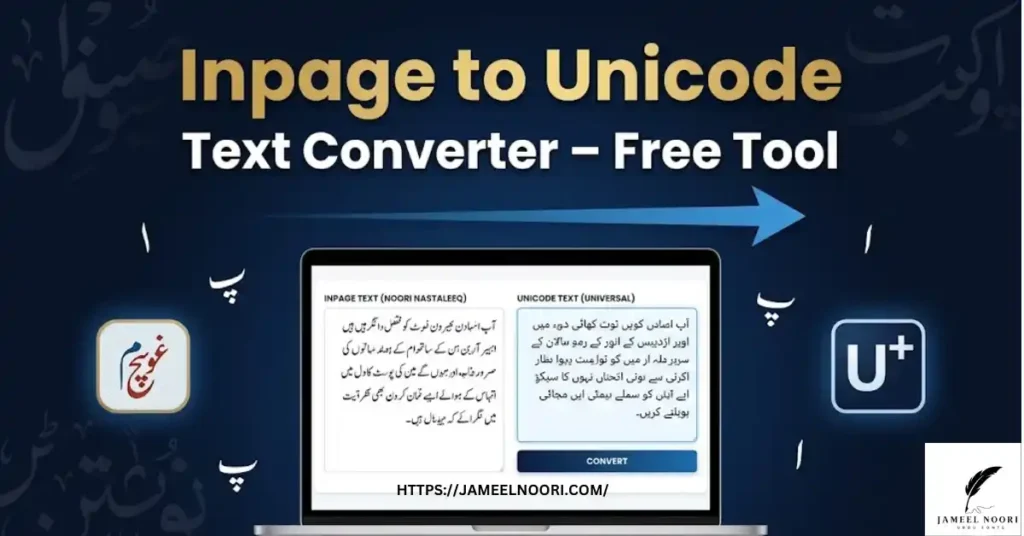
If you have old InPage content and want to use it with modern Unicode fonts, use our free converter tool:
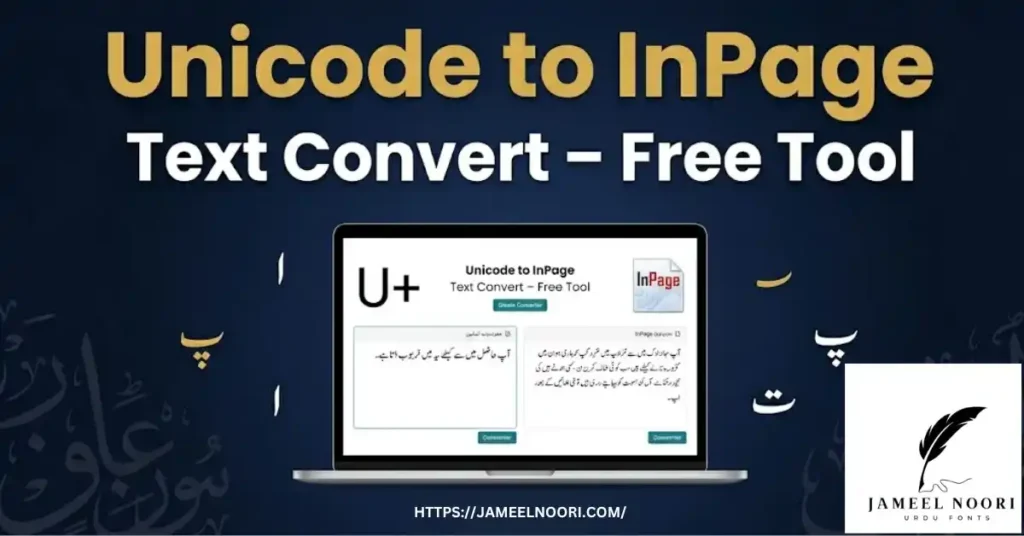
🔄 InPage to Unicode Converter 🔄 Unicode to InPage Converter
Free Urdu Font Tools on JameelNoori.com
Beyond font downloads, JameelNoori.com offers a full suite of free Urdu tools:
| Tool | What It Does |
|---|---|
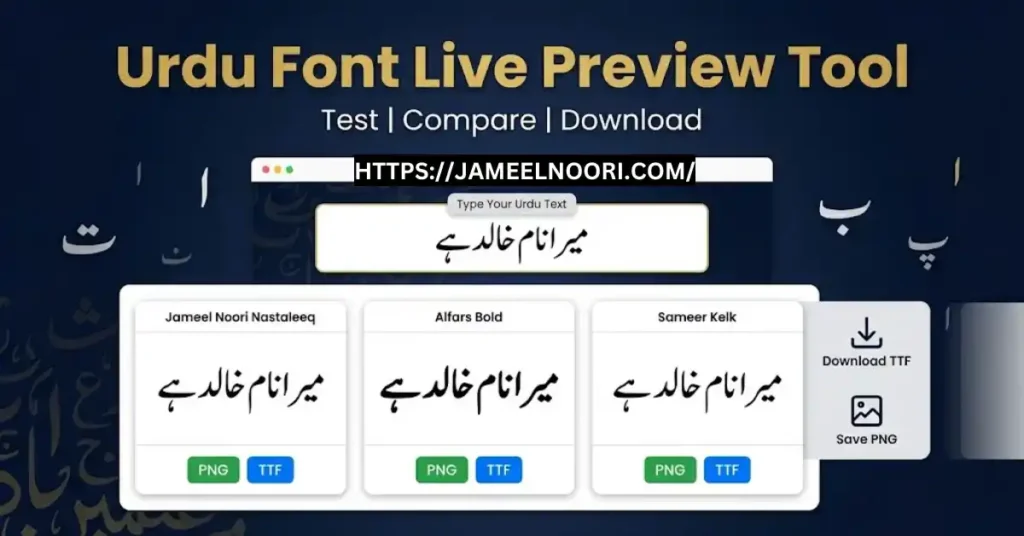
| Urdu Font Live Preview | Preview any Urdu font with your own text before downloading |
| Urdu Billboard Preview | See how your Urdu text looks on a billboard design |
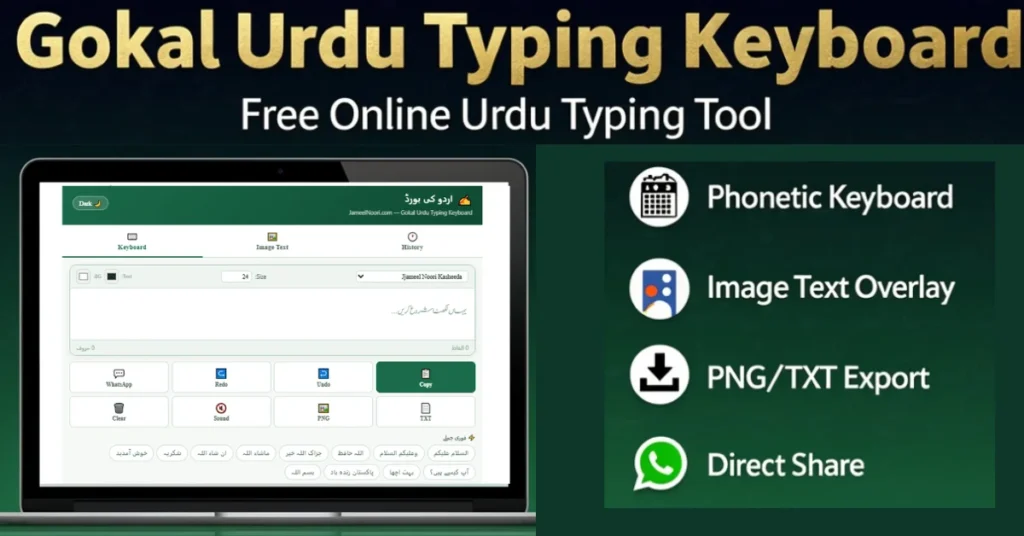
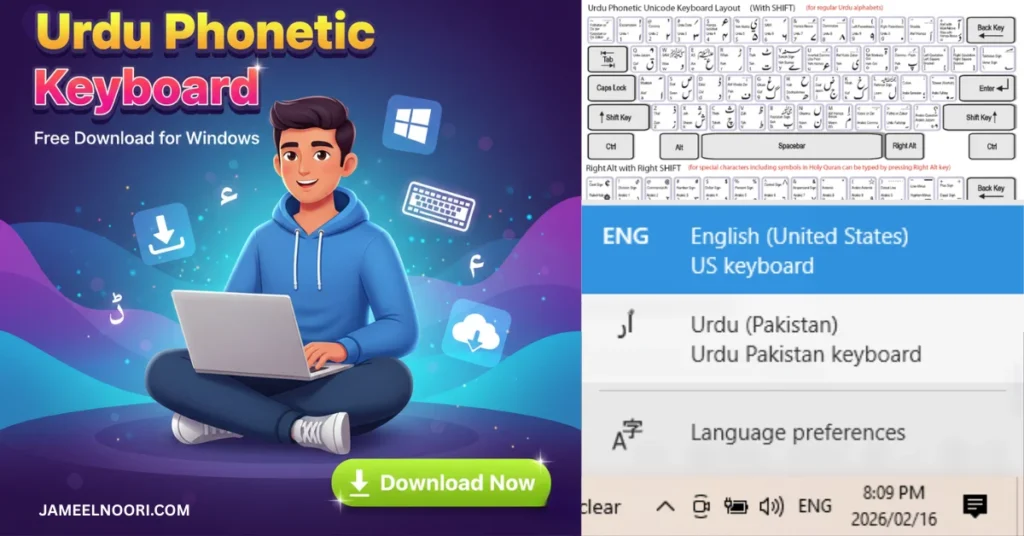
| Urdu Phonetic Keyboard | Type Urdu online without installing a keyboard |
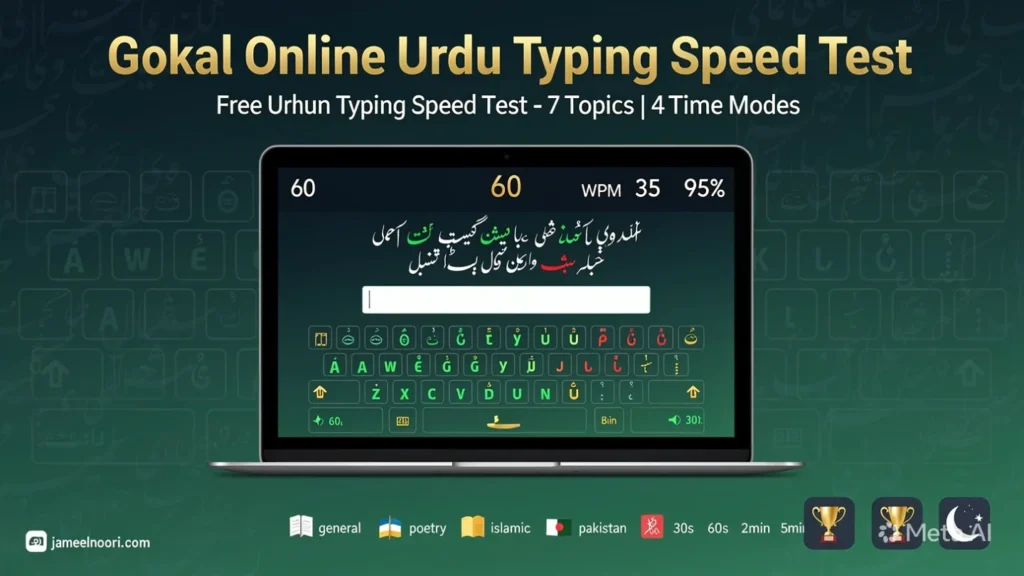
| Gokal Urdu Typing Test | Test and improve your Urdu typing speed |
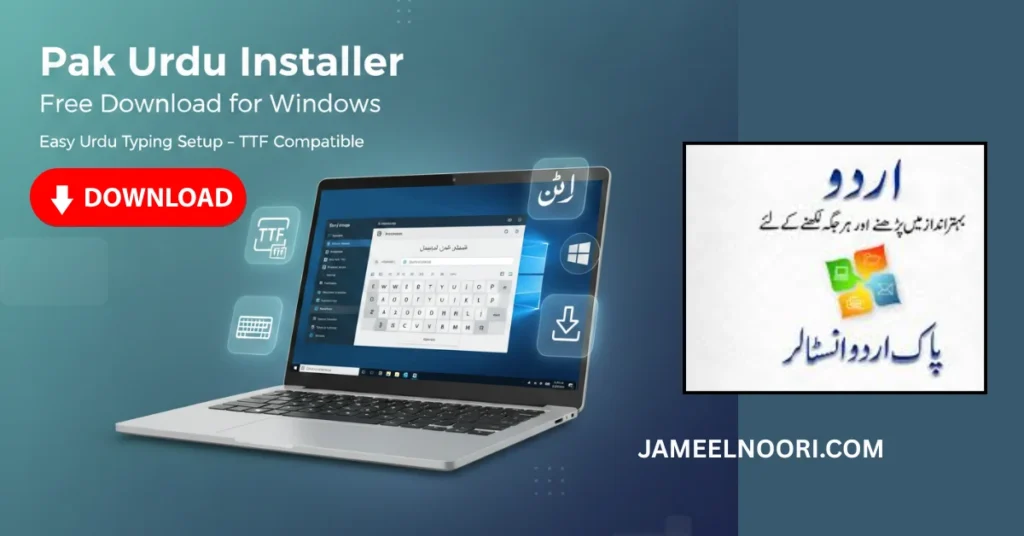
| Pak Urdu Installer | Install Urdu keyboard and fonts with one click |
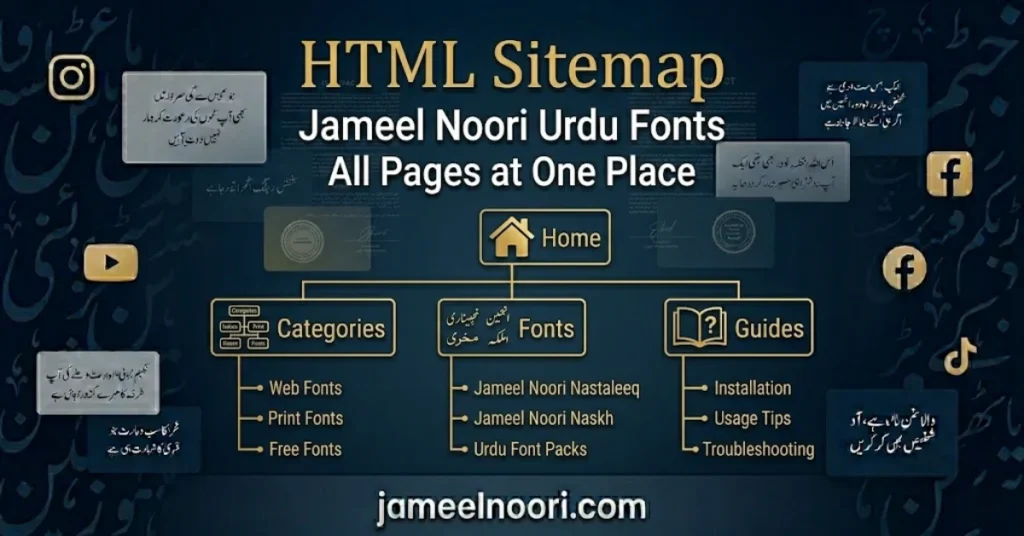
List of Urdu Font Categories on JameelNoori.com
Our library covers every style of Urdu and Arabic typography:
- Urdu Nastaleeq Fonts — classical calligraphic style
- Urdu Naskh Fonts — clean, easy-to-read style
- Arabic Fonts — traditional and modern Arabic typography
- Quranic Fonts — specialized fonts for Quran text
- Calligraphy Fonts — artistic and decorative Urdu scripts
- Sindhi & Pashto Fonts — regional Pakistani language fonts
1. The Complete History of Urdu Fonts – From Handwriting to Digital
Urdu fonts have a fascinating history spanning over four decades. Let me take you through this journey step by step.
Era 1 – Handwritten Calligraphy Era (Pre-1980)
Before computers, Urdu was written by hand using a beautiful calligraphic style called Nastaleeq. This style originated in Iran and became popular in South Asia during the Mughal Empire. Famous calligraphers like Mir Ali Tabrizi perfected this style.
Handwritten Urdu was incredibly beautiful but had major limitations. Each book had to be written by hand, which took months or even years. Newspapers were printed using metal type, but the process was complicated and expensive.
Era 2 – The Birth of Digital Urdu Fonts (1981)
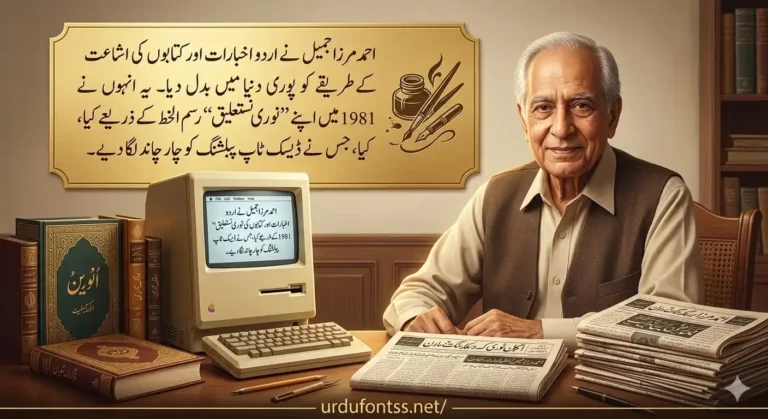
The real history of Urdu fonts begins in 1981. Ahmad Mirza Jamil, a typography expert, created Noori Nastaleeq in collaboration with Monotype Imaging. This was the first digital Urdu font ever created.
The Government of Pakistan recognized this achievement and declared Noori Nastaleeq as an “Invention of National Importance”. This font became the standard for InPage software, which was used by almost all Urdu newspapers and publishers.
Era 3 – The ASCII Font Era (1990s)
During the 1990s, several Urdu fonts were developed in ASCII format. These fonts worked on specific software only. Famous fonts from this era include Mehran Nastaleeq and Faiz Nastaleeq.
The problem with ASCII fonts was that they were not universal. A document created on one computer might not open correctly on another.
Era 4 – The Unicode Revolution (2000s)
The biggest change in Urdu fonts history came with Unicode. Unicode is an international standard that gives every character a unique number. This means that the same Urdu font works on Windows, Mac, Android, and iPhone.
Jameel Noori Nastaleeq and many other free Urdu fonts are now available in Unicode format. This makes downloading Urdu fonts much easier and more reliable.
Era 5 – Free Urdu Fonts Era (2010s – Present)
Today, free Urdu fonts download is possible thanks to platforms like Jameel Noori. Now anyone can download Jameel Noori Nastaleeq and hundreds of other free Urdu fonts without paying anything.
Free download Urdu fonts has become the new normal. This website offers over 500 fonts for free.
2. How to Choose the Right Urdu Font for Your Project
| Project Type | Recommended Font | Why |
|---|---|---|
| Book Publishing | Jameel Noori Nastaleeq | Traditional, readable, beautiful |
| Websites | Noto Nastaliq Urdu | Open-source, web-optimized |
| Social Media | Jameel Noori Nastaleeq | Premium calligraphic look |
| Academic Textbooks | Urdu Naskh Unicode | Clean, readable at small sizes |
| Quran Printing | Al Qalam Quran Majeed | Precise diacritical marks |
| Video Editing | Jameel Noori Nastaleeq | Supports CapCut, InShot, Kinemaster |
3. What is the Difference Between Nastaleeq and Naskh?
| Feature | Nastaleeq | Naskh |
|---|---|---|
| Style | Diagonal, flowing | Upright, geometric |
| Origin | Persian calligraphy | Arabic calligraphy |
| Best For | Literature, poetry, novels | Textbooks, manuals, quick reading |
| Readability | High for long-form reading | High for small text sizes |
| Cultural Preference | Preferred for Urdu | Preferred for Arabic |
| Example Font | Jameel Noori Nastaleeq | Urdu Naskh Unicode |
4. What Tools Help with Urdu Typography?
This website offers free tools for Urdu typography:
| Tool | What It Does |
|---|---|
| Urdu Font Live Preview | Preview any Urdu font with your own text |
| Urdu Billboard Preview | See large-format previews |
| InPage to Unicode Converter | Convert InPage fonts to Unicode |
| Urdu Phonetic Keyboard | Type Urdu without installing a keyboard |
| Gokal Urdu Typing Test | Test your Urdu typing speed |
5. How to Use Urdu Fonts on Websites
To use Urdu fonts on a website, you can either self-host or use a CDN. The @font-face method is recommended for custom fonts.
Option 1 – Self-host (Recommended for Jameel Noori):
css
@font-face {
    font-family: 'Jameel Noori Nastaleeq';
    src: url('path/to/JameelNooriNastaleeq.ttf') format('truetype');
    font-display: swap;
}
.urdu-text {
    font-family: 'Jameel Noori Nastaleeq', 'Noto Nastaliq Urdu', serif;
    direction: rtl;
}
Option 2 – Use Noto Nastaliq Urdu from Google Fonts (Open Source):
css
@import url('https://fonts.googleapis.com/css2?family=Noto+Nastaliq+Urdu:wght@400;500;600;700&display=swap');
.urdu-text {
    font-family: 'Noto Nastaliq Urdu', serif;
    direction: rtl;
}
6. Common Urdu Typography Problems & Solutions
| Problem | Cause | Solution |
|---|---|---|
| Font shows boxes | Non-Unicode font | Use Unicode fonts like Jameel Noori Nastaleeq |
| Text left-aligned instead of right | Missing RTL direction | Use direction: rtl in CSS |
| Font doesn’t show in app | App needs restart | Restart app after installing font |
| Wrong character display | Wrong keyboard layout | Install Urdu Phonetic Keyboard |
| Embedding fails in PDF | Embedding restrictions | Use “Embed All Fonts” in PDF export |
Frequently Asked Questions
Is Jameel Noori Nastaleeq free to download?
Yes. Jameel Noori Nastaleeq is completely free to download from JameelNoori.com for personal and educational use.
Does Jameel Noori Nastaleeq work on Windows 11
Yes. It is fully compatible with Windows 7, 8, 10, and 11. Install it like any standard font and it will appear in all your applications.
Can I use Jameel Noori Nastaleeq on my iPhone?
Yes. You can use it in apps that support custom fonts. Visit our guide: How to Change Urdu Font on iPhone.
How do I type Urdu with Jameel Noori Nastaleeq
Install the Urdu keyboard from Windows Language Settings or use our online Urdu phonetic keyboard. Full guide: How to Install Urdu Keyboard.
What is the difference between Nastaleeq and Naskh?
Nastaleeq is the traditional diagonal flowing script used for literary and formal Urdu. Naskh is an upright, Arabic-style script used in simpler digital contexts. Jameel Noori Nastaleeq is a Nastaleeq font.
Can I use Jameel Noori Nastaleeq on my website?
Yes. You can embed it using @font-face in your CSS. Make sure you have the correct license for web use.
Where can I find Quranic Arabic fonts?
JameelNoori.com has an extensive library of Quranic fonts. Browse the Aayat Quran font series and Al Qalam Quran fonts.
How do I add Urdu font to Blogger?
See our step-by-step guide: How to Add Urdu Font in Blogger.
Hi, I approved Your comment on my website khiyalee.com
Nice Mashaallah
pdms jauhar regular, alvi nastaleeq regular, pdms nowshera regular, aadil aadli regular,jameel noori nastaleeq regular,