Table of Content
Table of Contents
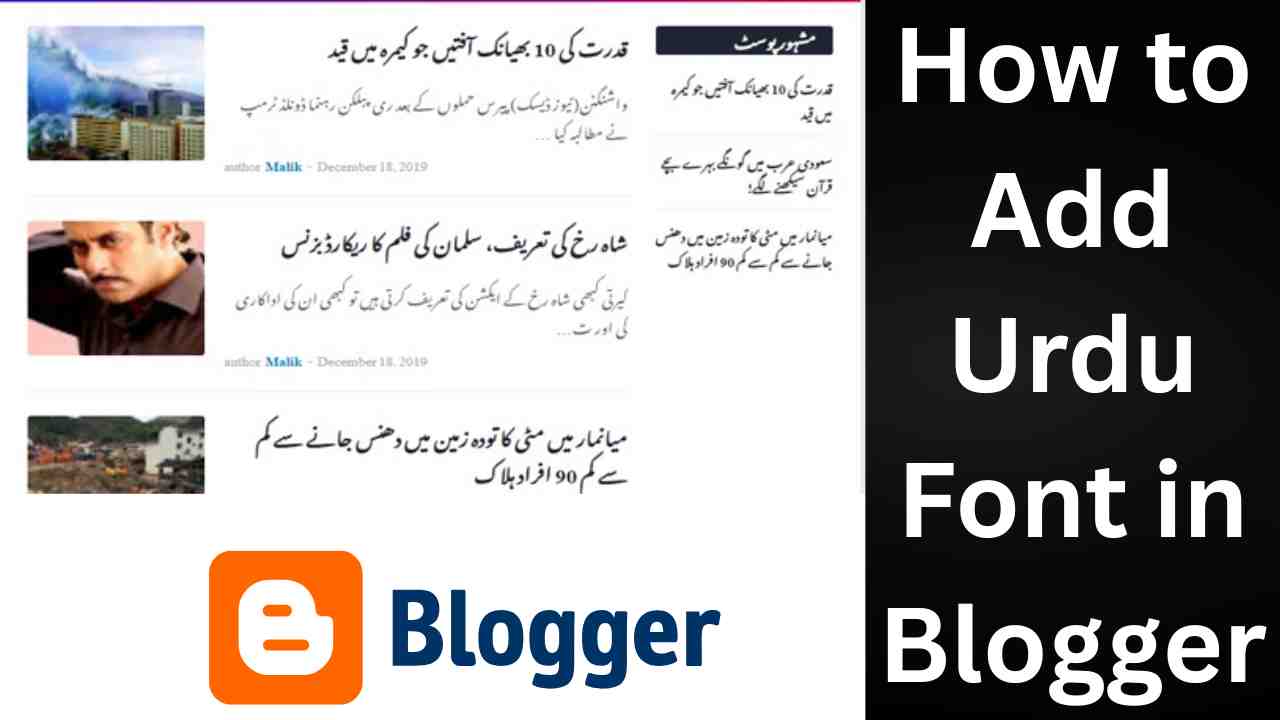
Are you looking to write beautiful Urdu content on your Blogger website? Want to give your blog a traditional and elegant Urdu look? This guide will help you add Urdu fonts in Blogger, especially using the popular Jameel Noori Nastaleeq font.
📝 Why Use Urdu Fonts in Blogger?
Adding Urdu fonts to your Blogger website gives your blog a professional and unique identity. It helps:
- Engage Urdu-speaking readers
- Beautify content with stylish Nastaleeq script
- Improve readability in native language
🔧 Step-by-Step Guide: How to Add Urdu Font in Blogger
Follow these simple steps to add Jameel Noori or any Urdu font in Blogger:
1. Download Urdu Font
First, download your desired Urdu font. For example:
👉 Download Urdu Font Sameer Tasmeem Bold Regular – A beautiful and bold Nastaleeq Urdu font.
You can also explore more fonts at JameelNoori.com.
2. Convert Font to Web Format
Blogger supports web fonts in .woff or .ttf format. Use online tools like:
- Transfonter
- FontSquirrel Webfont Generator
Upload your .ttf file and download the generated .woff file.
3. Upload Font Files to Hosting
Since Blogger doesn’t support direct file upload, you need to:
- Upload the font to a hosting service like GitHub, Google Drive (with public link), or your external server.
- Copy the direct URL of the font file.
4. Add Font in Blogger Theme
Go to:
<style>
@font-face{ font-display:swap;
font-family: ‘JameelNoori’;
src: url(‘https://yourfontlink.com/jameelnoori.ttf’);
}
body {
font-family: ‘JameelNoori’, serif;
}
</style>
Dashboard → Theme → Customize → Edit HTML
Then, add the following CSS code inside <style> tags, before </head>:
Replace ‘YOUR_FONT_FILE_LINK.woff’ with the actual URL.
5. Save the Theme
After pasting the code, click Save. Now your blog will display Urdu text in Jameel Noori Nastaleeq or your chosen Urdu font.
💡 Tips for Writing Urdu in Blogger
- Use Google Input Tools to type in Urdu.
- Alternatively, type in InPage or MS Word and paste in Blogger.
- Always write content in UTF-8 encoding for better compatibility.
🔗 Internal Links from Jameel Noori
Explore more useful fonts:
For more amazing Urdu fonts, visit: JameelNoori.com
Frequently Asked Questions (FAQs)
Can I use Urdu font on a free Blogger theme?
Yes, Urdu fonts can be added to any Blogger theme via custom CSS.
Which is the best Urdu font for Blogger?
Jameel Noori Nastaleeq is widely used for its elegant and professional look.
Is it free to use Urdu fonts on Blogger?
Most Urdu fonts, including Sameer series fonts, are free to use.
Why is my Urdu text not displaying properly?
Ensure you’ve added the font link correctly and that your content is in UTF-8 format.
How to write Urdu in Blogger posts?
Use tools like Google Input Urdu or type in InPage/Word and paste it into Blogger.
📌 Conclusion
Adding Urdu fonts in Blogger not only improves the beauty of your blog but also makes it more accessible to Urdu-speaking readers. With this guide, you can easily add Jameel Noori Nastaleeq or Sameer Tasmeem Bold Regular font to your Blogger website.
👉 Start now by downloading the font from JameelNoori.com and make your content stand out!